Follow the signal
Every recording passes through the same stages. Knowing them helps you diagnose problems: hiss usually starts at the preamp, harshness often at the microphone position, and clicks or dropouts at the computer.
- SourceVoice, guitar, drum, amp
- RoomReflections at the mic
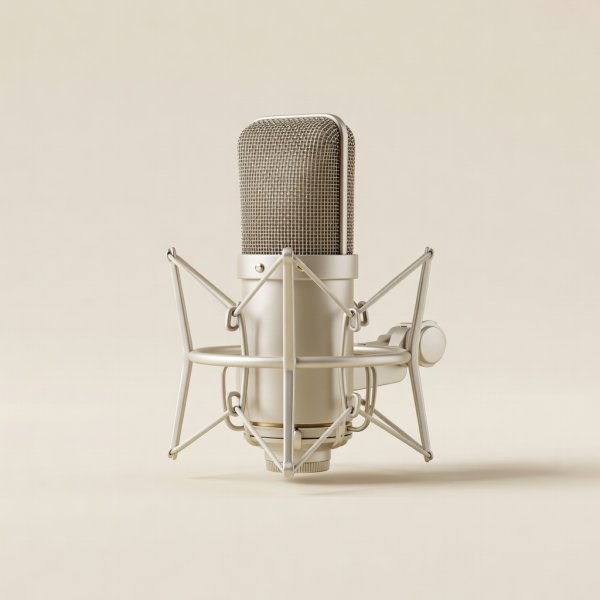
- MicrophoneDynamic, condenser, ribbon
- CableBalanced XLR
- PreampGain and phantom power
- ConverterAnalog to digital, 24-bit
- DAWDriver, buffer, track
Choose the microphone for the room
Ask where the microphone will be used before asking how it sounds in a demo. A studio in a well-treated booth and a bedroom with a bare window need different tools.
Dynamic microphones
Less sensitive and tight in pickup, so they record less room. The Shure SM57 handles guitar amps and snare; the Shure SM7B and Electro-Voice RE20 are broadcast and vocal staples. They need plenty of clean gain.
Large-diaphragm condensers
Detailed and sensitive, ideal for vocals and acoustic instruments once reflections are controlled. Audio-Technica AT2020 and Rode NT1 are common starting points; the Neumann U 87 Ai is the long-standing studio reference.
Small-diaphragm condensers
Accurate transient detail for acoustic guitar, overheads and piano. Useful in pairs for stereo techniques such as XY.
Ribbon microphones
Figure-8 pickup with a gentle top end, often used on guitar cabinets and brass. Check the manual before sending phantom power to older passive models.
Interfaces: compatibility before features
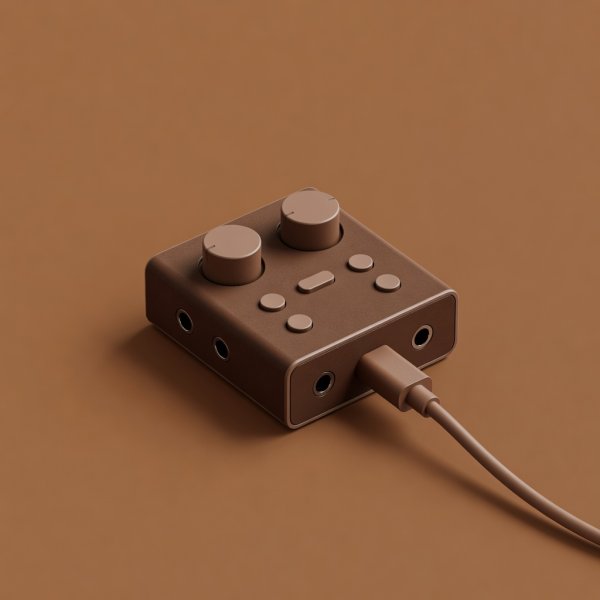
The interface supplies preamp gain, 48-volt phantom power for condensers, analog-to-digital conversion, a headphone output and monitor outputs. Count your simultaneous inputs honestly. A solo vocalist-guitarist rarely needs more than two; recording a full drum kit needs eight or more.
Check three compatibility points: your computer's connection (USB-C, USB-A, or Thunderbolt), your operating system's driver support (Core Audio on macOS, ASIO on Windows), and whether the preamps provide enough gain for your quietest microphone. The SM7B is the usual test case; it typically needs around 60 dB of gain for spoken word, which some budget preamps can only reach with added noise. An inline booster such as the Cloudlifter CL-1 is one workaround.
| Use case | Inputs needed | Examples people use | Check before buying |
|---|---|---|---|
| Solo voice or podcast | 1 mic | Audient iD4 MkII, Focusrite Scarlett Solo | Gain for dynamic mics |
| Singer-songwriter | 2 mic/instrument | Focusrite Scarlett 2i2, MOTU M2, Universal Audio Volt 2 | Hi-Z input, direct monitoring |
| Small band demos | 4 to 8 | Focusrite Scarlett 18i8, Audient iD44 | ADAT expansion, outputs for headphone mixes |
| Laptop on the move | 2, bus-powered | MOTU M2, Scarlett 2i2 | USB power draw, cable type |
Gain structure: set it once
Most hiss problems and many distortion problems are gain problems. At 24-bit, the converter has so much dynamic range that you can record conservatively. Aim for peaks around −12 to −6 dBFS on the loudest part of the performance. Ask the performer to sing or play the loudest section during the soundcheck, not a polite warm-up.
- Set the preamp gain first. Leave track faders and plugins alone while recording.
- Move the microphone before reaching for EQ. Distance and angle change tone more than most plugins.
- Disable any input processing you are not sure about, and record dry unless you know the effect is right.
Latency and buffer size
Latency is the delay between playing and hearing yourself. Lower buffer sizes (64 or 128 samples) reduce latency while tracking; higher sizes (512 or 1024) give the computer headroom while mixing with many plugins. Use your interface's direct monitoring when tracking vocals, so the singer hears themselves with no computer delay at all.
With a dependable signal on disk, the next step is a repeatable DAW workflow that turns recordings into finished mixes.