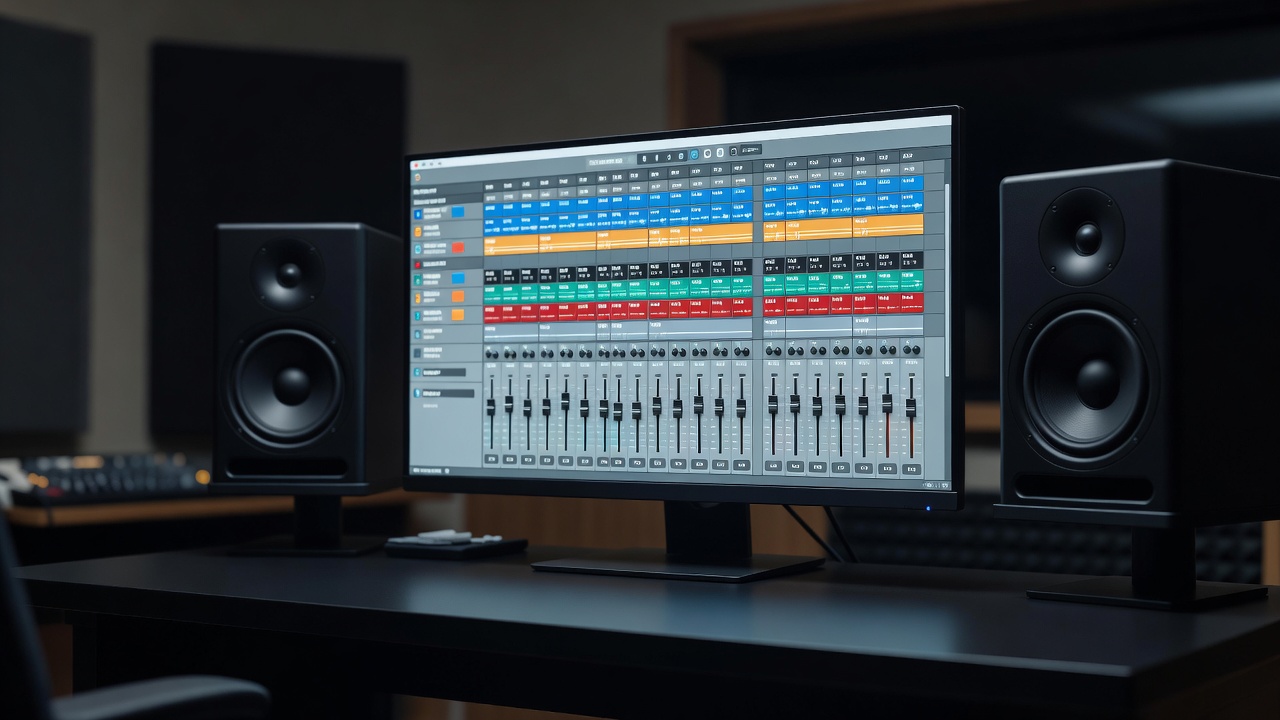
Choose a DAW by how you work
Every mainstream digital audio workstation records, edits and mixes to a professional standard. Choose the one whose workflow suits the music you make, runs on your computer, and fits your budget. Most offer free trials; spend a weekend on two of them with the same song before deciding.
| DAW | Platform | Often chosen for |
|---|---|---|
| Ableton Live | macOS, Windows | Electronic production, loop-based writing, live performance |
| Logic Pro | macOS only | Songwriting with a large included instrument library |
| Pro Tools | macOS, Windows | Audio editing and exchanging sessions with commercial studios |
| REAPER | macOS, Windows, Linux | Low-cost licence, deep customization, light on system resources |
| FL Studio | macOS, Windows | Pattern-based beatmaking and hip-hop production |
| Cubase / Studio One | macOS, Windows | MIDI composition, scoring and all-round recording |
Build one template and reuse it
A template is a saved empty session containing your usual tracks, routing, colours and plugins. Opening it means you are ready to record in seconds. A simple template for a singer-songwriter might include:
- Named, colour-coded tracksLead vocal, backing vocals, acoustic guitar, bass, drums. Same colours every time.
- Group busesDrums, vocals and instruments each routed to their own bus for broad level moves.
- Effect returnsOne short room reverb, one longer plate, one tempo-synced delay, shared via sends.
- A reference trackA commercial song in a similar style, routed so it bypasses your mix bus processing.
- Metering on the masterPeak, loudness (LUFS) and a correlation or phase meter.
Gain staging inside the mix
Floating-point DAWs rarely clip internally, but plugins modelled on analog hardware respond to input level the way the original circuits did. A common practice is to keep individual tracks averaging around −18 dBFS before processing, which corresponds to a typical analog reference level. Use a clip gain or trim plugin at the start of each chain rather than pushing faders to extremes.
Leave headroom on the master. If your mix bus peaks near 0 dBFS before any limiting, pull all the faders down together or lower the bus inputs, not just the master fader.
A repeatable mixing order
- Balance first. Faders and panning only, for at least the first twenty minutes. Most of a mix is level.
- Clean up. High-pass filters where low end is not needed, cut resonances, remove noise between phrases.
- Shape dynamics. Compression to control, not to impress. Match the bypassed and processed loudness when comparing.
- Space and depth. Reverb and delay via sends so the elements share an acoustic space.
- Check translation. Headphones, a phone speaker, the car. Note issues, then fix them in one pass.
Mike Senior's Mixing Secrets for the Small Studio expands on this order in detail and is written specifically for people mixing in compromised rooms.
Loudness without guesswork
Loudness is measured in LUFS, defined by the ITU-R BS.1770 standard and used in the EBU R128 broadcast recommendation. Many streaming services normalize playback to around −14 LUFS integrated, so pushing a master far louder mostly reduces its dynamics without making it louder for listeners. Bob Katz's Mastering Audio is the standard reference on this subject.
Back up like you mean it
Use the 3-2-1 rule: three copies, on two different types of storage, with one off-site or in the cloud. Save incremental versions of sessions (song-v01, song-v02), and keep the audio files inside the project folder so nothing goes missing when you change computers.
Questions about any of this? The setup help page collects the ones readers ask most often.