The listening triangle
Place the two monitors and your head at the corners of an equilateral triangle. If the speakers are 1.2 metres apart, each should be about 1.2 metres from your ears. Angle them inward so the tweeters aim at, or just behind, your head. This arrangement gives a stable phantom centre, where a lead vocal sounds as if it is coming from a point between the speakers rather than from either side.
Use a tape measure, not your eyes. Small differences of a few centimetres shift the image, and once you have marked the positions with tape on the desk, you can return to them after cleaning or moving the setup.
Height, walls and desks
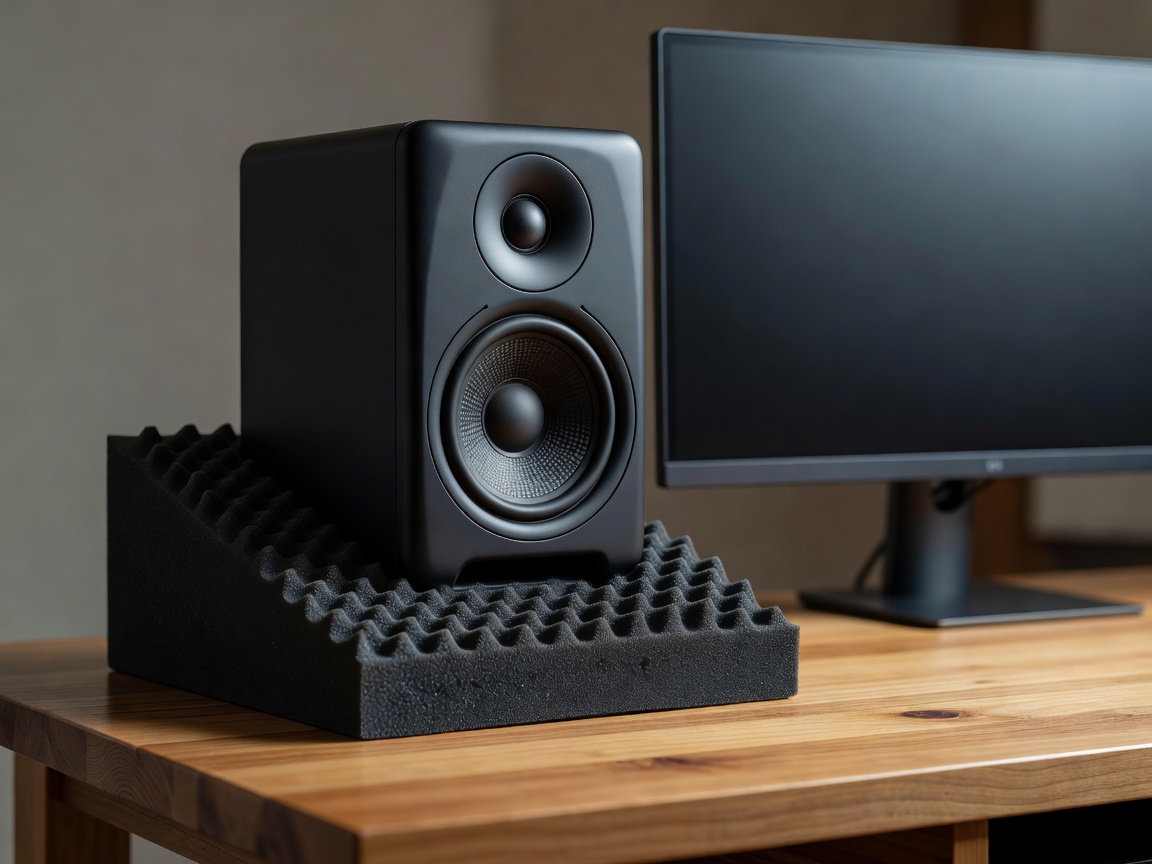
Tweeters belong at ear height when seated. Most two-way monitors are designed to be listened to on-axis with the tweeter; sit lower and the highs dull, sit higher and the crossover region can sound uneven. If the speakers rest on a desk below ear level, tilt them upward or use stands.
Distance from the front wall matters more than many people expect. Sound radiating backwards reflects off the wall and meets the direct sound at the listening position, causing a dip at a frequency tied to that distance. This is called speaker boundary interference. Either push the monitors almost against the wall, using the rear-panel boundary settings many models include, or pull them well forward, and then measure the result. In-between distances often produce the most audible cancellation.
Desks add their own reflection. A wide, hard desk surface between you and the speakers bounces sound into your ears. Moving monitors to stands just behind the desk, or toward its back edge, reduces this.
Choosing monitors by room, not by hype
Larger woofers produce deeper bass, and in a small, untreated room that deeper bass mostly excites more room modes. A 5-inch model in a well-placed setup often gives more reliable low-end decisions than an 8-inch model in a corner.
| Room and use | Woofer size | Example models people use |
|---|---|---|
| Small bedroom, limited treatment | 4–5 inch | Yamaha HS5, Genelec 8020, KRK Rokit 5 |
| Medium room, treated corners | 5–7 inch | Adam Audio T5V or T7V, Neumann KH 120 |
| Larger treated room, bass-heavy genres | 7–8 inch, or 5 inch plus subwoofer | Yamaha HS8, Genelec 8040 with careful setup |
| Shared flat, late-night work | Small monitors plus headphones | Any trusted pair at low level, headphones for detail |
The classic example of choosing for honesty over flattery is the Yamaha NS-10M, which became a studio fixture in the 1980s because its unforgiving midrange revealed problems quickly. You do not need one, but the lesson stands: buy monitors that show you mistakes.
Set a listening level and keep it
Our hearing changes with volume, as the equal-loudness contours describe. Mix loud and the bass and treble seem fuller; mix quietly and they recede. Pick a consistent level and mark the volume knob. In small rooms, many engineers find a level in the high 70s dB SPL at the listening position comfortable for long sessions. An inexpensive SPL meter or a phone app gives a rough reference using pink noise.
Headphones as a second opinion
Headphones remove the room from the equation, which makes them excellent for checking low end, noise, clicks and reverb tails. Open-back models such as the Sennheiser HD 600 suit mixing checks; closed-back models such as the Beyerdynamic DT 770 Pro or Audio-Technica ATH-M50x suit tracking because they leak less into microphones. Stereo imaging is exaggerated on headphones, so make panning decisions on speakers.
Where room correction fits
Software such as Sonarworks SoundID Reference or Genelec GLM, used with a measurement microphone, can flatten the frequency response at your seat. It works best on top of good placement and treatment. It cannot remove reflections or fill a deep null caused by cancellation, because boosting a frequency that the room is cancelling only wastes amplifier power.
Next, put this honest monitoring to work by building a clean recording chain.